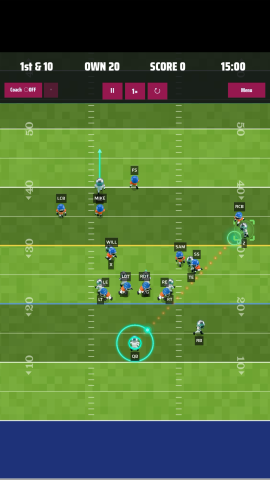
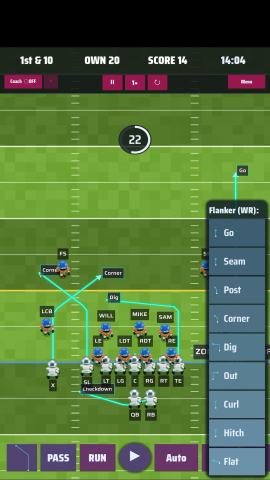
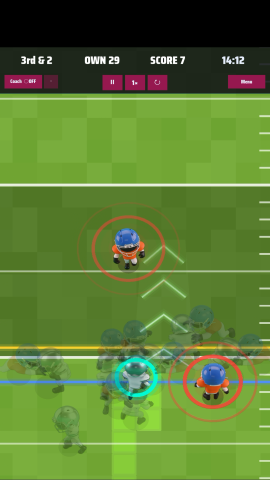
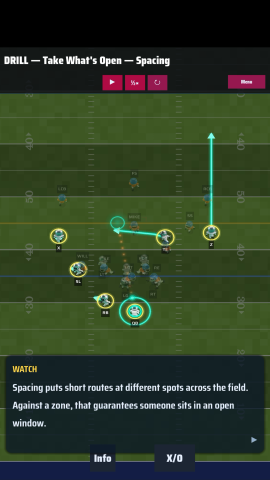
Player control Drag the quarterback backwards to slingshot a pass.Swipe the ball carrier sideways to juke. A white ring appears around the player when it works.Drag the ball carrier to change direction as they run.Tap a receiver to change their route.Drag your receivers into the position you want them in.A route you set by hand carries over to the next play.To reset the receivers to their original spots, switch to a run play and back again. (Improving in the next release.)
Defense control Coverage is set to Auto by default — it lines up to oppose the pass play you picked.Tap the RND button for a random play.Override the coverage by hand to experiment.
The Coach On Gameday you are in full control — the Coach never steps in on its own, though you can switch it on.In Free Play the Coach calls the plays by default, so you don't have to pick one every snap.Call your own play and the Coach steps back. Turn it on or off whenever you like.The Coach isn't very inventive yet — that's coming.
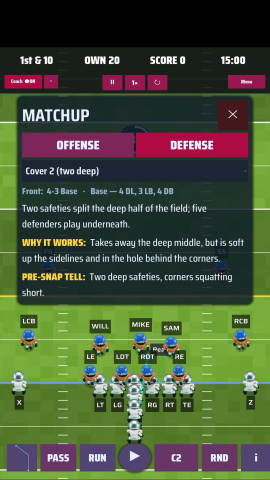
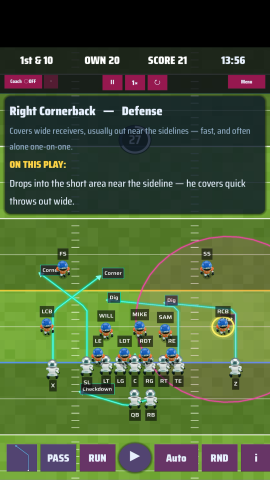
Tips Play information shows by default on every snap.Tap any player to see what their job is on the play.Hide play information with the "i" button at the bottom right.Tap the "i" inside the play information box for full offensive and defensive detail.Pick a new play from the dropdown in the detail box.Change the defensive formation in the detail box too.Toggle route arrows with the arrow button at the bottom left.Replay, pause and change play speed with the buttons in the top menu.